Gears of War: E-Day Co-op Guide – Split-Screen, Online Campaign and Horde Siege
Gears of War: E-Day supports split-screen, four-player online campaign co-op and 12-player Horde Siege. Here’s how every co-op option works.
Part of our Gears of War: E-Day coverage
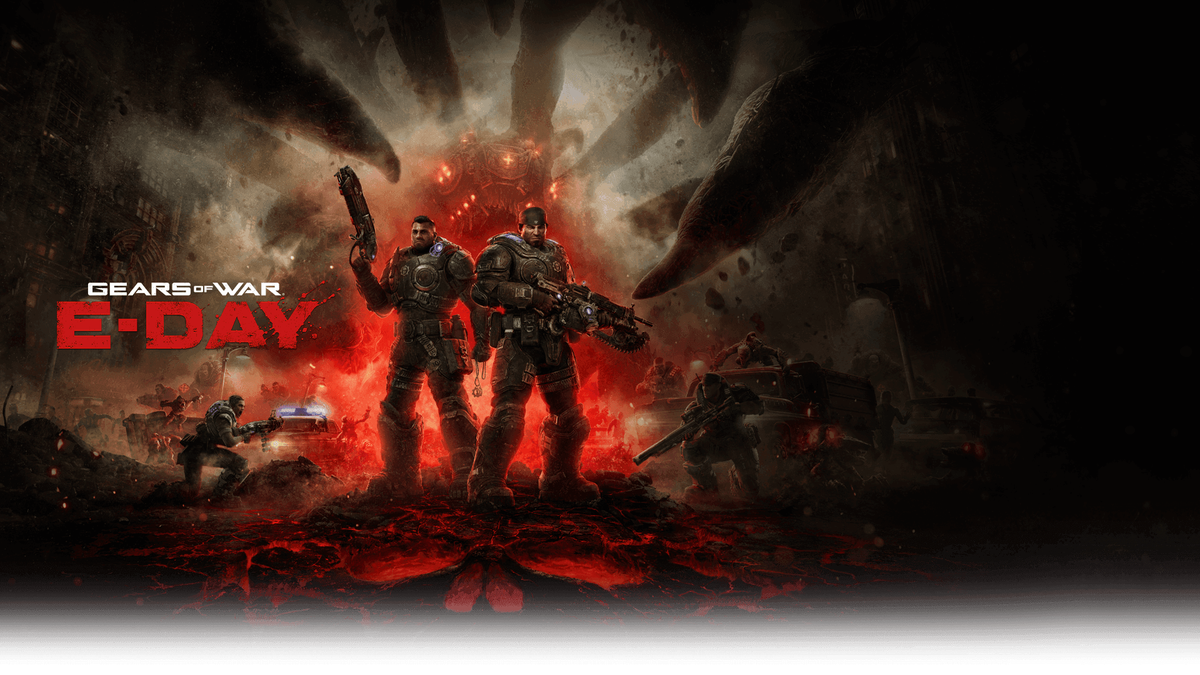
Gears of War: E-Day supports several ways to play with other people, including console split-screen campaign co-op, online campaign co-op and the larger Horde Siege multiplayer mode.
The important part is that the player limits are different depending on the mode and platform. This guide explains exactly what E-Day supports so you can work out the best setup before starting.
Does Gears of War: E-Day have co-op?
Yes.
E-Day supports:
- two-player split-screen campaign co-op on Xbox consoles;
- online campaign co-op for up to four players;
- Horde Siege for up to 12 online players;
- cross-platform online co-op;
- Xbox Play Anywhere between Xbox Series X|S and PC.
The official Xbox E-Day game page lists the supported multiplayer features and player counts.
How many players can play the campaign?
The campaign supports up to four players online.
That makes E-Day more flexible than a simple two-player campaign setup, particularly for groups who want to experience the story together.
If you are playing online, every participant should make sure they are signed into the account they want to use for progress and achievements.
Does E-Day have split-screen?
Yes — two-player split-screen campaign co-op is supported on Xbox consoles.
This is one of the more notable features because local campaign co-op has become much less common in large modern releases.
For households with one console and two players, you can sit down and play the campaign together without requiring two separate Xbox systems.
Is split-screen available on PC?
The official description specifically identifies two-player split-screen as a console feature.
PC players should therefore plan around online co-op rather than local split-screen.
If you want to play the campaign with another PC player, or mix Xbox and PC players, use the online co-op option.
Can Xbox and PC players play together?
Yes.
The Xbox Store lists cross-platform co-op and cross-platform multiplayer support for E-Day.
That means a group does not have to be entirely on Xbox Series X|S or entirely on PC to play online together.
E-Day also supports Xbox Play Anywhere, so buying a supported digital version gives access across Xbox and Windows PC with compatible progression tied to the same Xbox account.
Does online co-op require Game Pass?
On Xbox consoles, online multiplayer requires a Game Pass plan that includes online console multiplayer.
That requirement applies when you are joining online campaign co-op, Horde Siege or Versus.
Local split-screen is different because both players are using the same console rather than connecting through an online multiplayer session.
How does Horde Siege work?
Horde Siege is E-Day's large co-operative PvE mode.
It supports 12 players, organised as three squads of four on the same larger battlefield.
Each squad can have its own objectives while contributing to the wider session.
That makes the mode feel different from campaign co-op. Instead of a small story group progressing through the same campaign chapter, Horde Siege is built around several squads working in parallel.
What are the Horde Siege classes?
The official multiplayer overview lists four core classes:
- Assault
- Breacher
- Marksman
- Medic
You do not need to overthink class choice in your first session.
A good starting approach is simply to choose the class whose role sounds most natural to you, then learn how it contributes to the squad before worrying about optimisation.
How long does a Horde Siege session take?
The Coalition has described several Horde Siege mission lengths.
Shorter Blitz sessions are designed to take roughly 15 to 20 minutes.
Siege missions can run around 20 to 40 minutes.
Longer Horde sessions can extend towards 50 to 60 minutes.
Those estimates make it easier to choose a mode based on how much time your group has available.
Does Horde Siege have progression?
Yes.
E-Day includes player progression alongside separate class progression.
Classes can be developed across 30 levels, giving regular Horde Siege players a reason to keep using and learning different roles.
If you are playing with the same group regularly, it can be useful for different players to develop different classes rather than everybody focusing on the same one.
What happens if you join a campaign already in progress?
The Coalition has addressed how a new player joining an existing campaign save is handled.
A new client entering a lobby can receive relevant progress connected to previously completed secondary objectives, hard cases and associated Forge rewards.
That helps reduce the friction that can otherwise happen when one player has already progressed farther than another.
The exact experience can still depend on the host's save and the content already completed, so groups that want to experience every story moment together may prefer to start a fresh campaign as a team.
Is co-op progression shared?
Xbox Play Anywhere supports shared progression between your own Xbox and PC experience when using the same account.
For campaign groups, it is still sensible to decide who will normally host the session and keep the group together where possible.
That makes it easier to maintain a consistent story experience and avoids confusion over which campaign state the group is using.
What is the best setup for two players?
If you are both in the same room and have an Xbox console, split-screen campaign co-op is the simplest option.
If you are in different locations, online campaign co-op gives you the same story-focused experience without needing to share a display.
Two players can also join larger Horde Siege sessions when they want a more repeatable multiplayer experience.
What is the best setup for three or four players?
For a group of three or four, use online campaign co-op.
This lets the whole group experience the campaign together and avoids the two-player limit of local split-screen.
For Horde Siege, a four-player group also fits naturally into one complete squad.
What is the best setup for a larger group?
Once your group grows beyond four players, the campaign is no longer the right mode.
Horde Siege is the obvious option because it supports up to 12 online players.
A group of eight can form two squads, while a full 12-player group fills all three squads.
Can you play the whole game alone?
Yes.
Co-op is optional.
You can play the campaign solo and use multiplayer modes only when you want them.
That is useful for players who prefer to experience the story at their own pace before moving into online sessions.
Should beginners start with campaign co-op or Horde Siege?
For a new Gears player, campaign co-op is usually the easier introduction because it gives you more time to learn movement, cover and the basic rhythm of the game.
Our Gears of War: E-Day beginner's guide covers those fundamentals in more detail.
Horde Siege makes more sense once you understand the basic controls and want a repeatable group mode built around squad roles and longer-term progression.
Gears of War: E-Day co-op at a glance
The key player counts are:
- Solo campaign: supported
- Split-screen campaign: 2 players on Xbox consoles
- Online campaign co-op: up to 4 players
- Horde Siege: up to 12 online players in three squads of four
- Cross-platform co-op: supported
- Xbox Play Anywhere: supported
Our E-Day launch guide has the wider release information, Game Pass details and platform overview.
For co-op specifically, the main decision is simple: use split-screen for two players on one Xbox, online campaign for groups of up to four, and Horde Siege when you want a larger 12-player cooperative mode.